Find and prepare participant context
List or open authorised participant records so an employee can prepare for the next call without searching across separate systems.
AI assistance & CordoCare MCP
Use AI for drafting and transcription, or connect an authorised agent to CordoCare through Model Context Protocol. Access follows the organisation, role and participant permissions behind the request.
See AI access and controls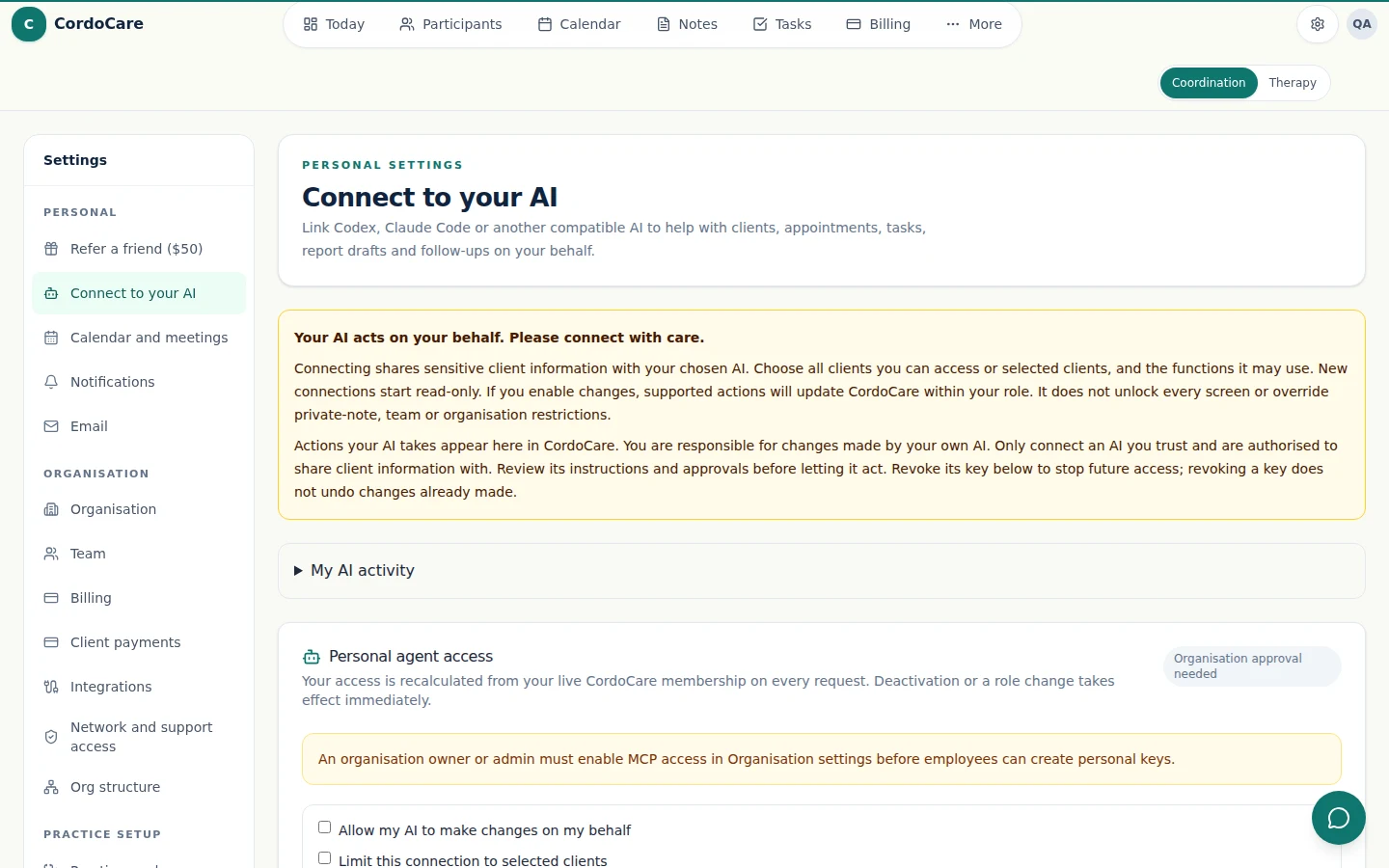
Keep judgement with your team. Check important outputs and grant only the access needed for the job.
List or open authorised participant records so an employee can prepare for the next call without searching across separate systems.
Create a draft or final note within the employee scope, with the same participant and organisation boundaries applied by CordoCare.
Turn an agreed next step into visible work, assign it within the authorised team and update its status as the workflow progresses.
Find unbilled notes, inspect billing runs and work with invoices when the employee role includes the necessary finance permissions.
Owners and admins can use authorised organisation and team tools without exposing owner role changes or hard-delete actions to agents.
Inspect recent agent activity and use guarded rollback tools for supported writes rather than leaving changes without an evidence trail.
An agent connection is part of the practice’s access controls. Decide who can connect, what they can reach and when access ends.
An owner or admin enables CordoCare MCP for that organisation. Turning it off stops organisation and employee agent access.
A personal key belongs to one employee. CordoCare recalculates the person's current membership, role and scopes on every request.
Employees create named 90-day keys for individual connections. CordoCare stores only a hash, and a key can be revoked immediately.
Agent writes use idempotency protection, create audit records and expose guarded rollback for supported actions.
AI usage has an allowance. Some AI processing may occur overseas. Review consent, privacy and your organisation’s policies before using sensitive information.
Review the data and security detailsMCP stands for Model Context Protocol. CordoCare provides an MCP endpoint that lets a compatible AI client discover and call authorised CordoCare tools for participant, note, task, billing, invoice, team and audit workflows.
Yes. Access is organisation-scoped and controlled by that organisation. Owners or admins decide whether it is enabled, and employees create their own personal keys inside that organisation.
No. CordoCare applies the employee role, team and participant assignment rules. An agent cannot use its key to bypass participant access the person does not already have.
No. Owner role changes and hard deletes are deliberately unavailable through CordoCare agent tools. Supported writes are audited and use repeat-safe request controls.
Organisation and employee MCP access is included in both workspaces. Support Coordination is $39 AUD per active user/month and Therapy & Allied Health is $49 on monthly billing. AI usage has an allowance, and a compatible external AI service may have its own charges. See current pricing and trial terms before choosing.
Bring the questions that matter to your practice. We’ll walk through the records, notes and billing with you.
Request a walkthroughCompare plans and start a trialNo account or card needed to request a walkthrough.